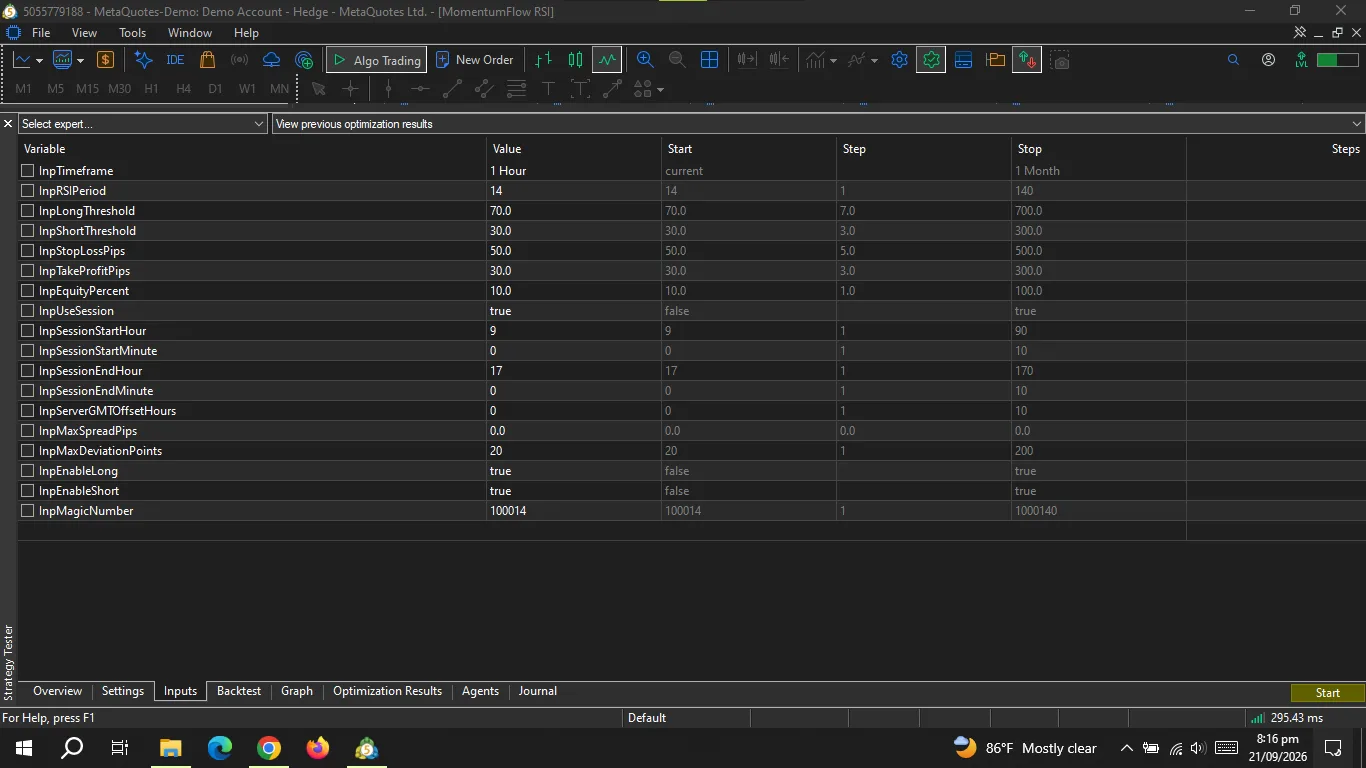
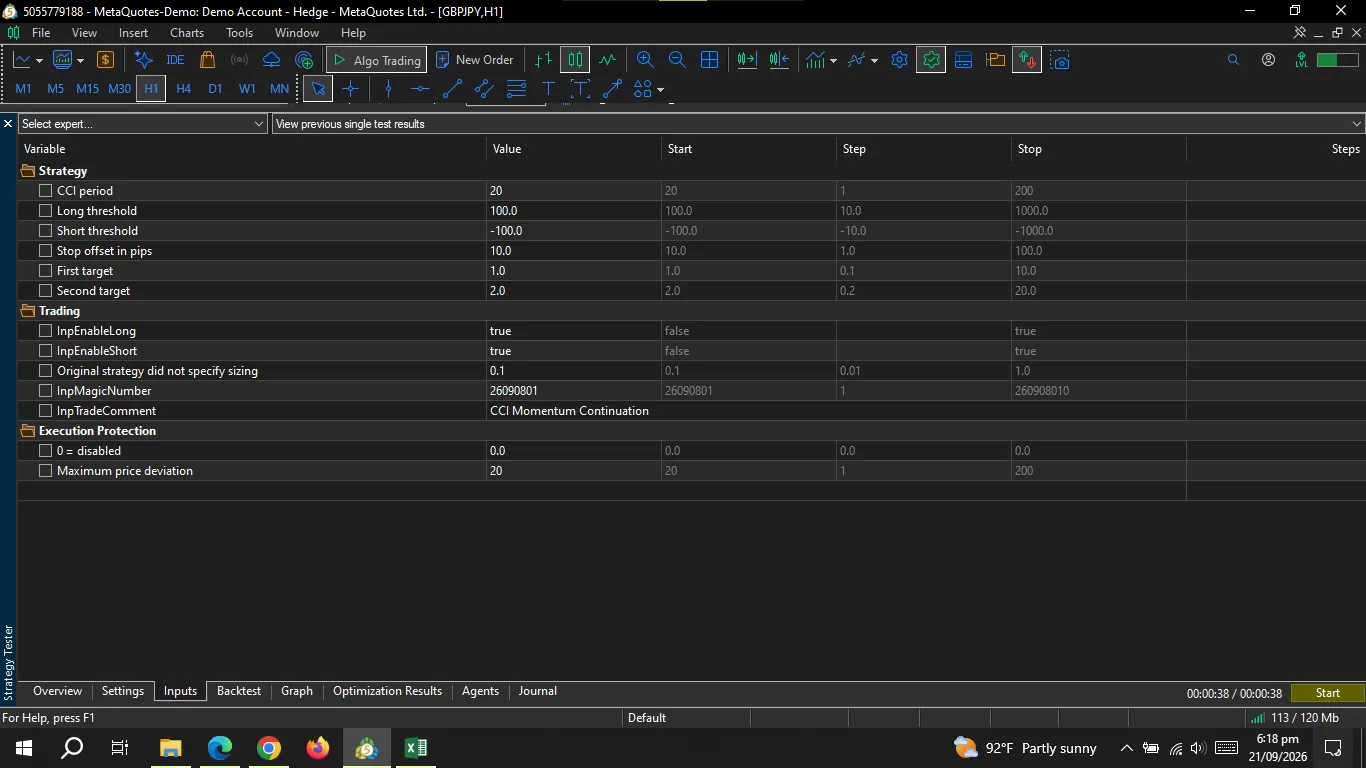
Overview: CCI Momentum Continuation is an Expert Advisor based on a rules-based Commodity Channel Index momentum continuation approach. The EA uses CCI(20) and evaluates confirmed candles. No higher-timeframe indicator filter or trading-session filter is applied. Strategy Concept: The strategy identifies a CCI extreme above 100 for potential long trades or below 100 for potential short trades. After a pullback from the recorded extreme, a subsequent break beyond that level generates the corresponding signal. Entry Logic: Long: CCI establishes an extreme above +100, pulls back from the recorded extreme, and subsequently breaks above it. The EA enters at the beginning of the following candle, subject to normal market execution. Short: CCI establishes an extreme below -100, pulls back from the recorded extreme, and subsequently breaks below it. The EA enters at the beginning of the following candle, subject to normal market execution. Exit Logic: Initial Stop Loss: Long position stops are placed 10 pips below the signal candle's low, while short position stops are placed 10 pips above the signal candle's high. Profit Management: At 1R, 50 percent of the position is closed, and the stop on the remaining position is moved to breakeven. At 2R, the remaining position is closed. Risk Management: The EA uses a configurable fixed-lot input, with 0.10 lots as the default. The actual financial risk depends on the selected symbol, stop distance, contract specifications, account balance/equity, leverage, and broker conditions. Supported Symbols and Timeframes: The EA can be attached to any instrument supported by the MT5 broker, provided the broker's symbol specifications support the required trading operations. H1 is the primary recommended timeframe, but D1 can also be evaluated for swing or position-style testing. No session restrictions are applied. Important Settings: CCI Period 20, Upper CCI Level +100, Lower CCI Level -100, Stop Offset 10 pips, First Target 1R, Second Target 2R, Fixed Lot 0.10 by default, Long and Short enable controls, Maximum spread protection, Maximum execution deviation, Magic number. Installation and Use: Attach the EA to the desired MT5 chart and configure the trading parameters according to the selected symbol and account. For evaluation, use the MT5 Strategy Tester with historical data appropriate for the selected symbol and timeframe. The EA does not require DLL Imports, external WebRequest services, or third-party components. Limitations and Risks: Trading results can vary because of spread, commission, execution price, market liquidity, slippage, broker specifications, and historical data quality. A 50 percent partial exit requires broker volume settings that permit the position to be divided into valid trade volumes. The EA does not guarantee trading profits. Risk Disclaimer: Trading financial markets involves substantial risk of loss. Historical or simulated performance does not guarantee future results. The EA is a software tool and does not provide financial advice or guarantee any particular trading outcome.
By purchasing from ChartBasic, you agree that our digital tools are designed strictly for technical analysis and do not constitute financial, investment, or trading advice. Your purchase grants a single-user, non-transferable license with instant digital delivery, meaning the provided indicator files and underlying code cannot be resold, shared, decompiled, or reverse-engineered under any circumstances. Because these downloadable scripts are irrevocable, all sales are final under a strict no-refund policy. Additionally, while we provide technical support for installation and basic configuration, our scope does not cover custom code modifications, strategy development, or personalized trading recommendations.
No verified feedback yet.
Thank you for your purchase. Please download the provided files and attach the Expert Advisor to your desired MT5 chart. Ensure you configure your trading parameters according to your chosen symbol and account. We highly recommend testing the EA in the MT5 Strategy Tester using realistic spread, commission, and execution assumptions before live deployment.